 PixDrive
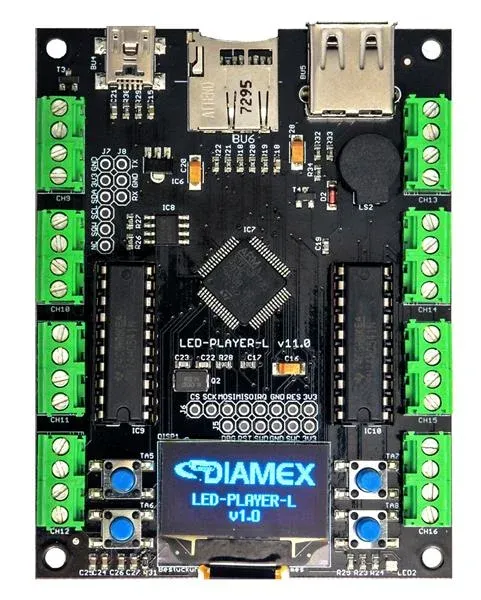
No computer
TPM2 file from the SD card
You export the show from the sequencer as a TPM2 file and the LED-Player-L plays it from the microSD card – no computer, no network. The file holds no frame rate: you set it on the player, and it has to match the export.
- 1Export the sequence from the sequencer in the TPM2 Serial (.tpm2) format and note the frame rate
- 2Copy the file to the microSD card, with the extension and folder described in the player’s manual
- 3Enter the LED count and the same frame rate in the player’s configuration