 PixDrive
No computer
TPM2 file from the SD card
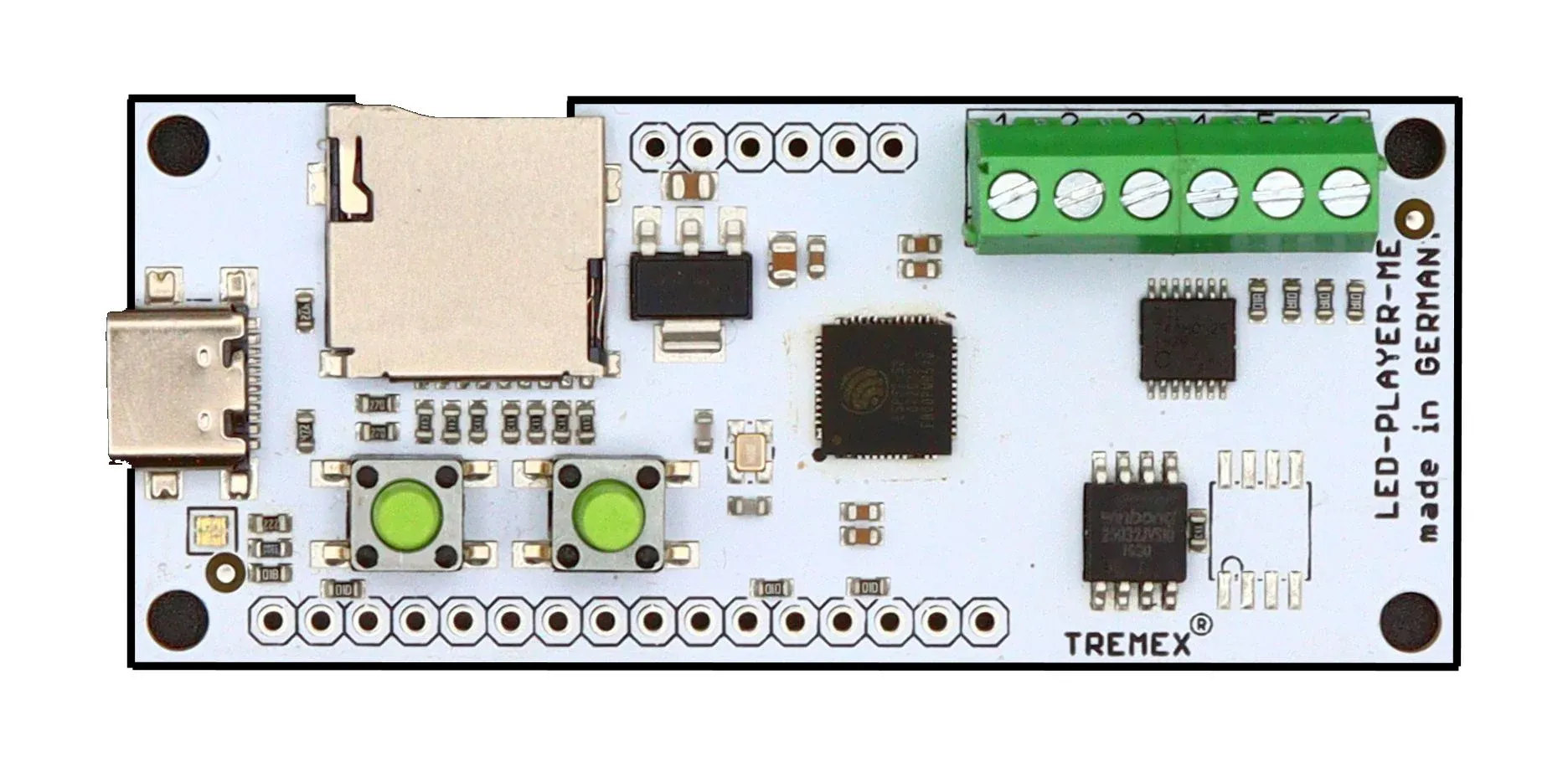
You export the show from the sequencer as a TPM2 file and the LED-Player-ME 2048 plays it from the microSD card – no computer, no network. The file holds no frame rate: you set it on the player, and it has to match the export.
- 1Export the sequence from the sequencer in the TPM2 Serial (.tpm2) format and note the frame rate
- 2Rename the file to .TP2 and copy it to the root of a FAT32-formatted microSD card (up to 32 GB)
- 3Create a _CONFIG_ file with outputs, LEDs per output and the same frame rate – easiest with the configurator