Skip to content
PixDrive

Modes

How PixDrive drives the LED-Player-ME 4096

No computer

TPM2 file from the SD card

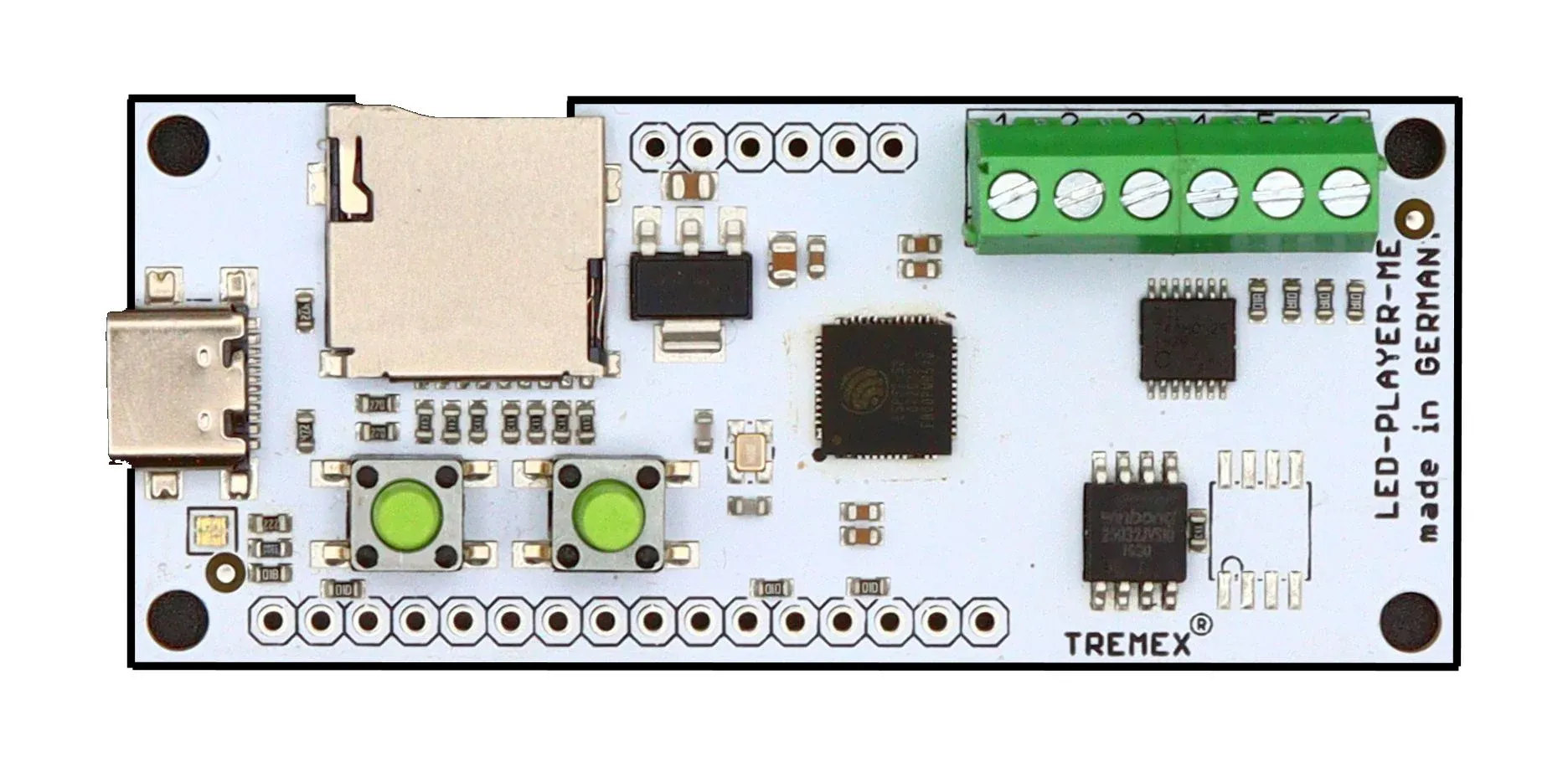
You export the show from the sequencer as a TPM2 file and the LED-Player-ME 4096 plays it from the microSD card – no computer, no network. The file holds no frame rate: you set it on the player, and it has to match the export.

  1. 1Export the sequence from the sequencer in the TPM2 Serial (.tpm2) format and note the frame rate
  2. 2Rename the file to .TP2 and copy it to the root of a FAT32-formatted microSD card (up to 32 GB)
  3. 3Create a _CONFIG_ file with outputs, LEDs per output and the same frame rate – easiest with the configurator

Free tool

Your _CONFIG_ file in two minutes

Set outputs, LEDs per output, frame rate and colour order – the configurator checks your player’s limits, shows the wiring and creates the file for the SD card.

Open the configurator

Specifications

At a glance

Manufacturer
DIAMEX
Article number
150235
Processor
Xtensa 32-bit LX7 dual-core, 240 MHz
Playback
TPM2 files from microSD, up to 256 files
LED outputs
4
RGB-LEDs
4,096 (1,024 per output)
RGBW-LEDs
3,072 (768 per output)
LED chips
WS2811/WS2812 (also UCS1903, PL9823), SK6812 RGB and RGBW
Frame rate
up to 50 frames per second
Controls
2 buttons; up to 31 files triggerable via inputs (buttons, switches, relays)
Connectors
USB-C (power, updates), screw terminals
Dimensions
board 71 × 30 mm, housing optional

DIAMEX and LED-Player belong to their respective owners. Details from the DIAMEX shop as of November 2026; the manufacturer’s manual is authoritative.

Get started

Test PixDrive with the LED-Player-ME 4096

The demo runs with no time limit and no credit card – on Mac and Windows. One device and one universe are enough to try it.

macOS 12+ · Windows 10 / 11 · No credit card required