 PixDrive
Add a device by hand
Add an Art-Net or sACN controller by its IP address without discovery: protocol, port and sACN priority.
Updated
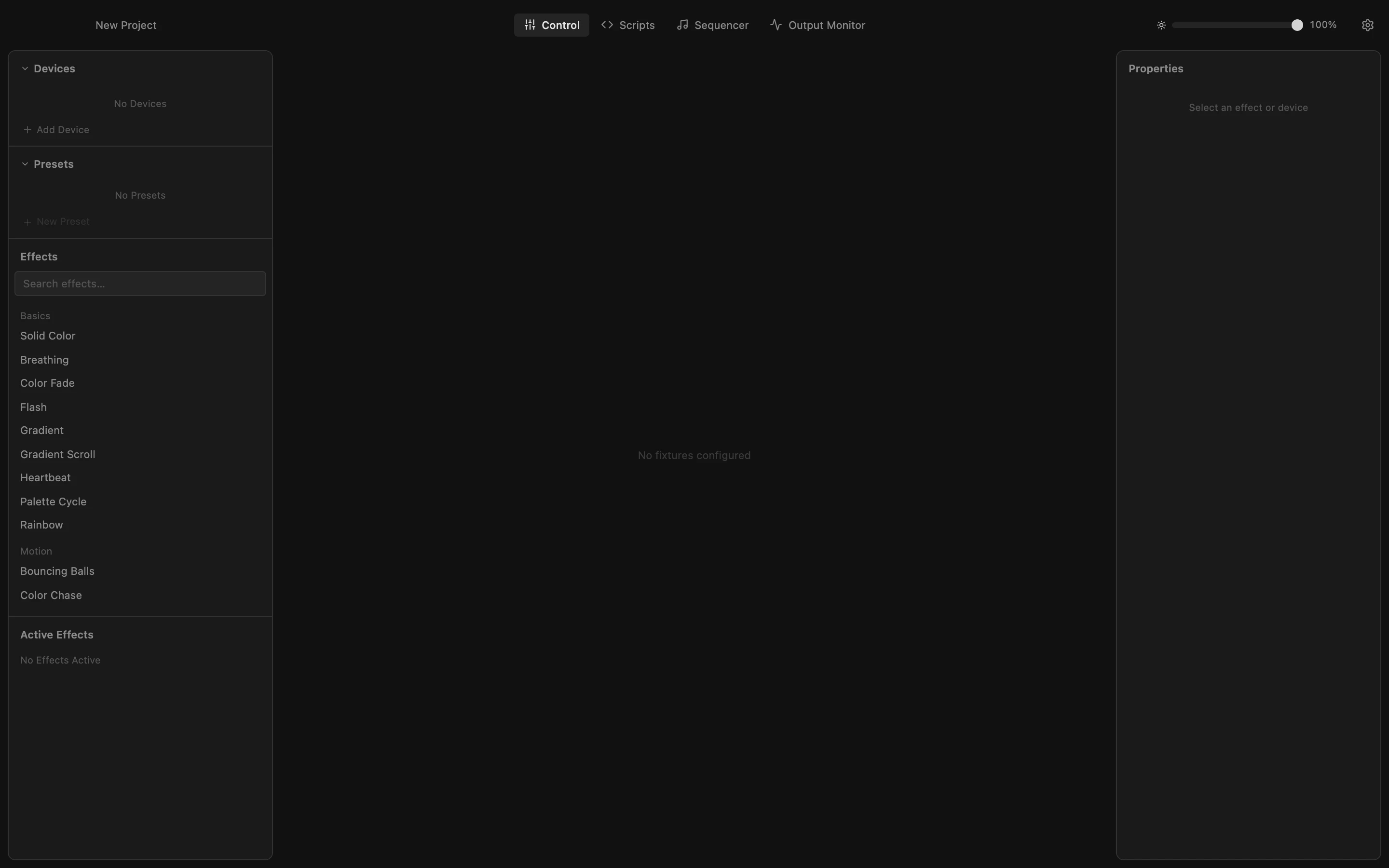
Step 1 of 6
Open the device form
Some controllers do not answer Device Discovery. Add them by hand: click Add Device at the bottom of the Devices list.
All steps
- Open the device form
Some controllers do not answer Device Discovery. Add them by hand: click Add Device at the bottom of the Devices list. - Choose the protocol
Click the protocol list. Pick the protocol your controller expects: Art-Net or sACN (E1.31). Its web interface or manual tells you which. - Pick sACN
Choose sACN / E1.31. The port changes to 5568, the sACN standard port; Art-Net uses 6454. Keep the default unless your controller listens on another port. - Enter name and IP address
Give the device a name you will recognise and type the controller's IP address. Add stays greyed out until both are filled in. - Add the device
Click Add. The device appears in the Devices list with its address and port, and Properties on the right shows its settings. - Set the sACN priority
When two sources send the same universe, an sACN receiver follows the one with the higher priority (0–200, default 100). Raise it, e.g. to 150, so PixDrive Studio wins over a lighting desk. Leave the field to save it.