 PixDrive
Several effects at once
Run several effects on fixtures and groups at the same time and layer them on top of each other.
Updated
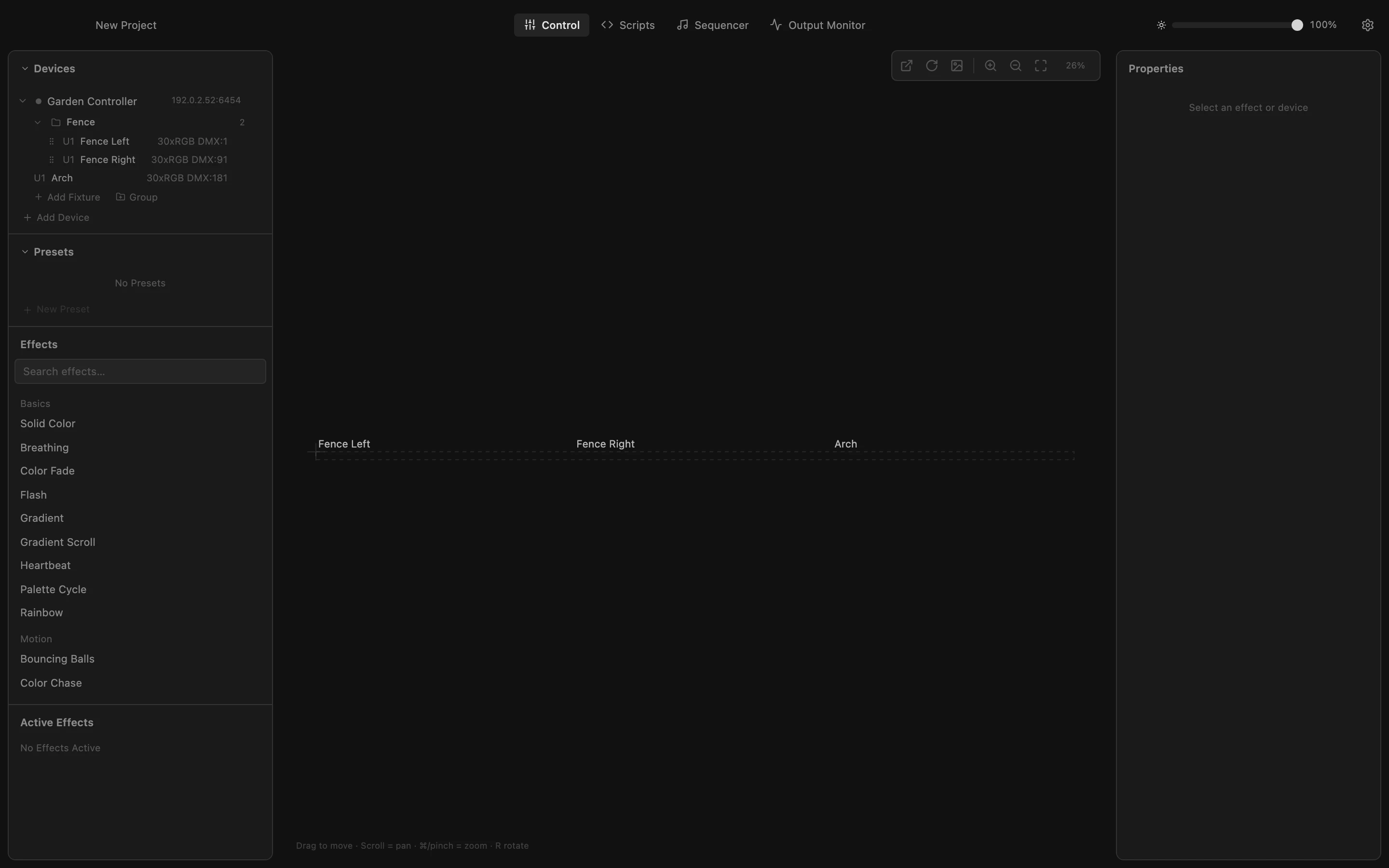
Step 1 of 5
Select a group
An effect runs on whatever you have selected under Devices. Click the group Fence to select both fence strips at once; the bar below shows the target.
All steps
- Select a group
An effect runs on whatever you have selected under Devices. Click the group Fence to select both fence strips at once; the bar below shows the target. - Start an effect on the group
Click Rainbow in the Effects list. It starts on the two fence strips only; Active Effects shows which fixtures it runs on. - A second effect next to it
Click the fixture Arch, then Breathing. The new effect runs on the arch, and the Rainbow keeps running on the fence. - Layer an effect on top
Click Fence Right, then Heartbeat. It covers only part of the Rainbow's pixels, so it is drawn on top there. The Rainbow keeps running underneath and on Fence Left. - Three effects at once
The LED preview shows all three together. An effect on all of another effect's fixtures replaces it, and an effect started with nothing selected replaces them all.