 PixDrive
Presets: save a look, recall it with one click
Save a look as a preset and recall it with one click. Every preset is also a cue.
Updated
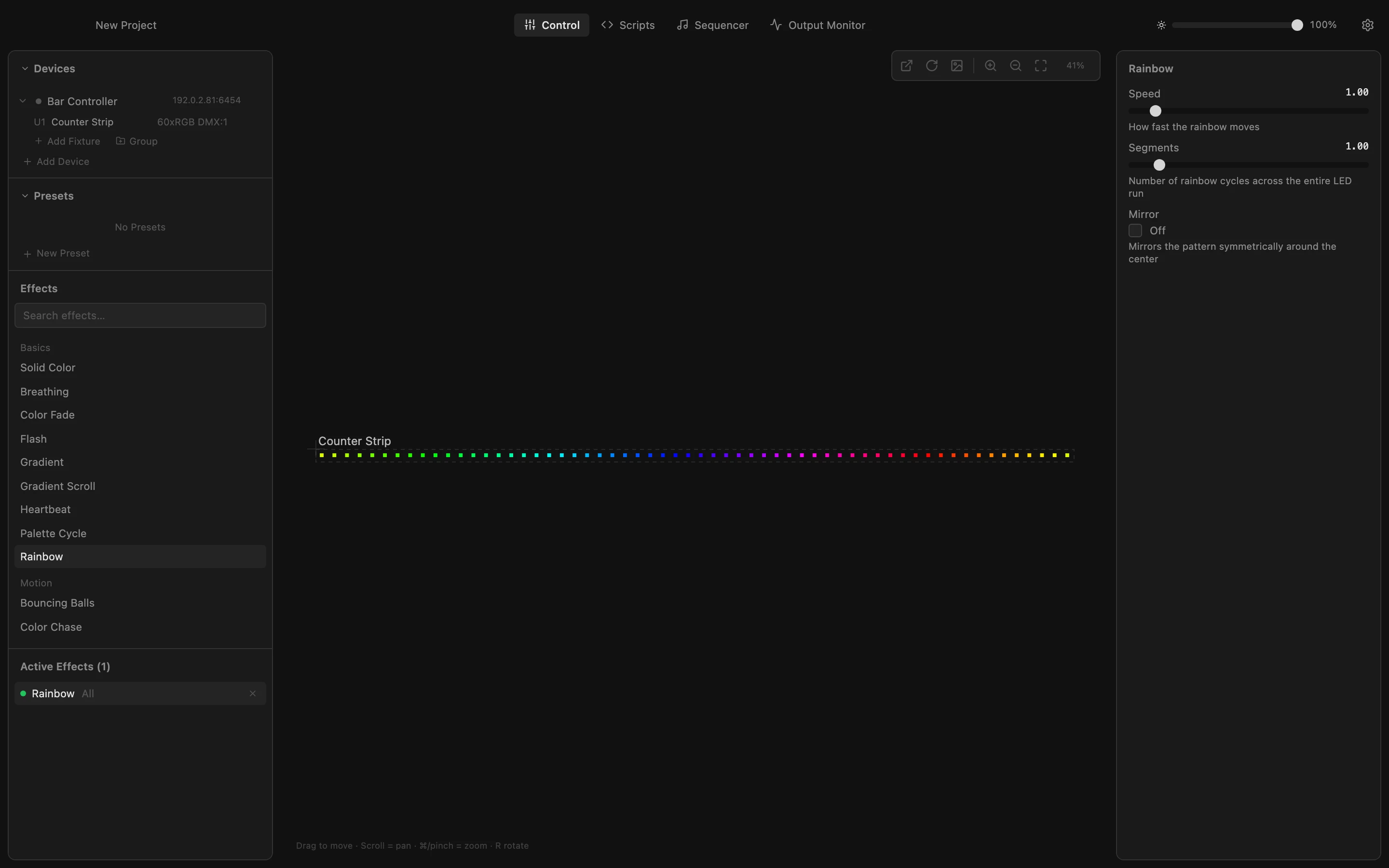
Step 1 of 7
Save what is running
A preset stores a look: the running effects with all their settings and the fixtures they run on. Rainbow is running, so click New Preset under Presets and type a name, for example Party.
All steps
- Save what is running
A preset stores a look: the running effects with all their settings and the fixtures they run on. Rainbow is running, so click New Preset under Presets and type a name, for example Party. - Check and save
The list shows which fixtures and effects go into the preset; untick a fixture to leave it out. Click Save: Party appears under Presets. - Change the look
Click Breathing in the Effects list. With nothing selected it replaces the Rainbow on all fixtures. The preset Party stays as it was. - Save a second preset
Click New Preset again and name this look Calm. - Two looks to switch between
Click Save. Presets now lists Party and Calm, and Breathing keeps running. - Recall a look with one click
Click Party. Breathing stops and the Rainbow runs again, with the same settings as when you saved it. - Every preset is a cue
Open Settings and look at External Control: every preset is a cue, numbered in list order (Party is 1, Calm is 2). A Stream Deck or lighting desk can fire them by name or number over REST or OSC.