 PixDrive
Your first project
Name a project, save it, start a new one and open it again – the basics of PixDrive Studio in five steps.
Updated
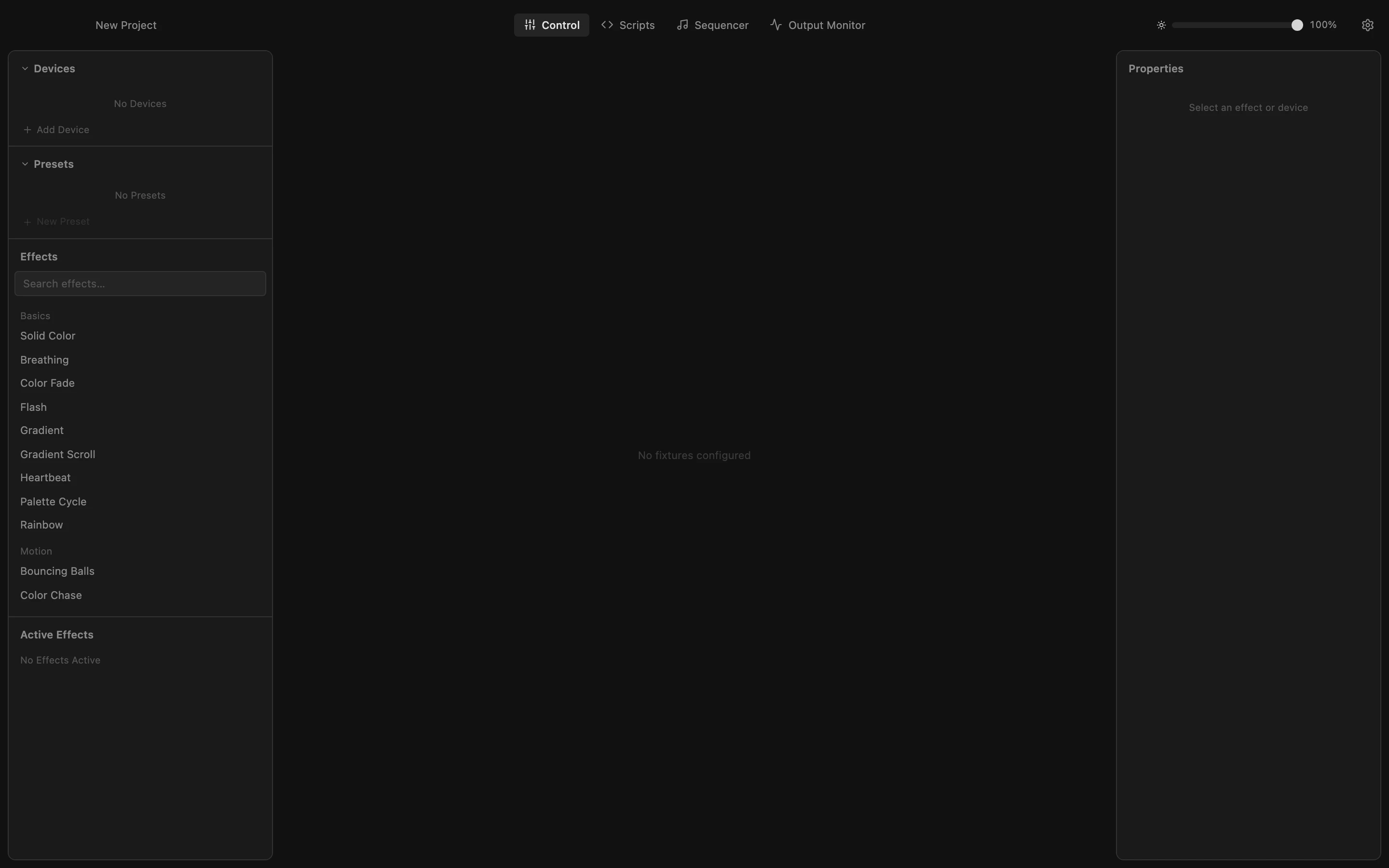
Step 1 of 5
Start PixDrive Studio
PixDrive Studio starts with an empty project called "New Project". Its name sits at the top left of the toolbar.
All steps
- Start PixDrive Studio
PixDrive Studio starts with an empty project called "New Project". Its name sits at the top left of the toolbar. - Name the project
Click the project name, type a new one and press Return. - Save the project
Choose File › Save or press ⌘S. The first save asks where to store the file, and the project takes the file name you choose. Later saves go straight to that file. - Start a new project
File › New Project (⌘N) clears everything and starts over. It does not ask about unsaved changes, so save first. - Open a project
File › Open... (⌘O) loads a saved .pixdrive file. Everything in the project comes back as you saved it.