 PixDrive
Your own Lua effect
Change an example script, run it and save it to the library as your own effect.
Updated
Step 1 of 7
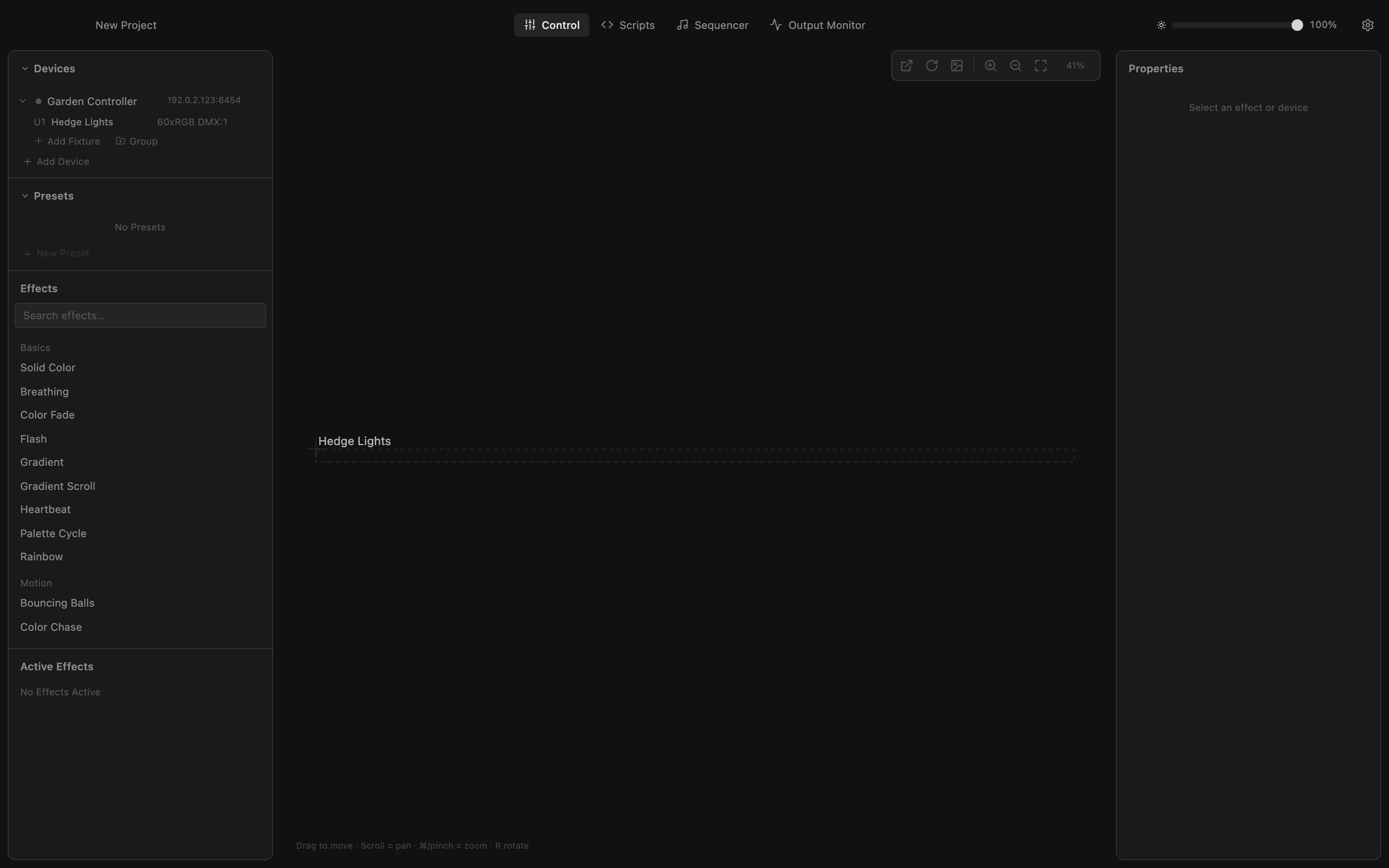
Open Scripts
Lua scripts let you write effects of your own. Click Scripts in the toolbar: the editor opens below the LED preview, with ready-made examples on the left.
All steps
- Open Scripts
Lua scripts let you write effects of your own. Click Scripts in the toolbar: the editor opens below the LED preview, with ready-made examples on the left. - Load an example
Starting from an example is easiest. Click Pulse: its code appears in the editor. render() runs for every frame and sets the color of each LED. - Change the color
set_led_rgb takes the LED number, then red, green and blue from 0 to 1. Replace the line so red follows the brightness and blue stays off: the pulse turns warm amber. - Run it
Click Execute. The script starts on all your fixtures and the LED preview pulses in amber. If the code has a mistake, the error and its line show up below the editor. - Open the Save menu
To keep the effect, click Save in the bar below the editor. - Name the script
Choose Save to Library and type a name. A description is optional. - Your effect in the library
Click Save. Your script is now in the Library on the left, also in your next projects. Click it to load it into the editor again; hover it to delete it.